From Prompt to Marketplace App?
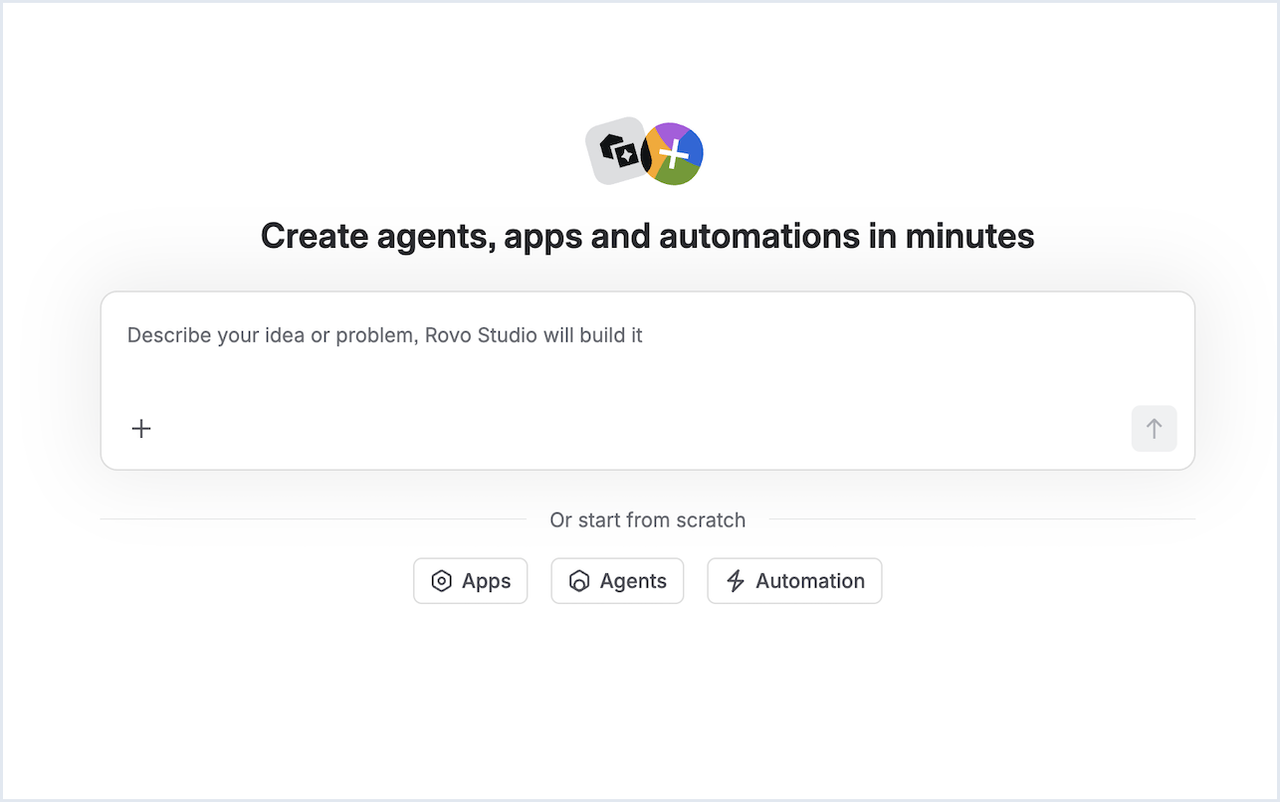
A business unit lead describes a dashboard in three sentences using Rovo Studio: it cross-references inactive users against open Jira filters and dashboards. A few minutes later, a prototype is running. No Forge CLI, no npm install, not a single line of code written by hand.
This efficiency promise has evolved several times since Rovo Studio’s App Builder launched: you can now upload screenshots to show UI requirements, interrupt a running build and redirect it, and have a browser notification let you know when the app is ready.
Does a prompt produce something that runs? Yes! The more interesting follow-up question is how far that “runs” carries, and what this means for the work of Forge development teams.
Where the prompt approach holds up
Rovo Studio is strong for apps that describe well in natural language: a form with an approval step, a dashboard panel, an extra field in an existing workflow. Before the actual build, Rovo creates a plan, or rather a technical specification, that can still be adjusted before implementation. This is an iteration step that catches quite a few misunderstandings before any code exists at all.
With more complex requirements, the picture becomes less clear, and Atlassian openly admits this. The App Builder has been in open beta since its launch in May 2026; Atlassian actively collects feedback on the areas where it still struggles. One example: one of the most common pieces of feedback from the beta phase was that the generated preview is close, but it’s hard to tell Rovo precisely what should be changed in detail. Atlassian responded to this and delivered preview annotations, a feature that lets you click directly on elements in the preview and comment on specific points instead of describing changes in words. This shows two things: the limits are real and publicly documented, but they also shift in short cycles.
My colleague Paul Pasler documented what this feels like in practice in a detailed field report in the Atlassian Community. For simple use cases (a Jira panel that groups an epic’s stories by status), his finding is clearly positive: running in minutes, with usable error handling, and without a single line of code written by hand. Once the requirements were deliberately made more complex (connecting an external API, extending the panel with Confluence data, in other words expanding a single-product app into a cross-product app), smaller inconsistencies piled up: a published build whose local type-check had actually failed, a generated changelog entry for a feature that didn’t exist in the code at all, a new permission for outgoing data that only appeared inconspicuously in a collapsed row in the publish dialog.
None of this was serious on its own – but taken together, it shows: the further you move away from the demo case, the more a second, critical look pays off.
What technically distinguishes Studio from pure no-code builders is that what comes out at the end is real Forge code, not a proprietary format. That is the foundation for everything that follows.
The underestimated gap: a Studio app is not a Marketplace app
This is where it’s worth taking a close look at the path an app built in Studio actually takes. After the build, you can publish it directly from Studio to your own Atlassian site – to a development, staging, or production environment, as you choose. For internal tools, that’s where it ends: the app runs, a team uses it, done.
A publicly listed Marketplace app, on the other hand, has further steps ahead of it. First, you have to publish the associated Developer Space on the Marketplace yourself. That’s a separate process in which a Space administrator accepts the Atlassian Marketplace Partner Agreement, thereby getting a public partner profile and Marketplace admin rights. Only after that can an app be publicly listed at all, with everything that entails: security requirements, a review process, support obligations toward paying customers.
So the question mark in this article’s title is not a rhetorical trick. The prompt gets a team to an app foundation on their own site fairly reliably. Getting to a Marketplace app that other organizations install and trust is a deliberate, multi-step path – regardless of how the app originally came about.
Governance is the real development work
A pattern from the developer community shows clearly where the task shifts once AI generation becomes a fixed part of the workflow. In a Forge project that offers natural-language analytics on Forge SQL data, Rovo reliably generates SQL queries from user questions.
The real development problem starts after that: how do you ensure that a query generated by a language model only accesses data in read mode, only targets the intended table, doesn’t smuggle in hidden joins, and respects the row-level permissions of the requesting user? The solution was a hard-coded, server-side enforced rule set that validates the generated query before it is executed at all. In other words: manual work by the development team.
In miniature, that’s the developer role of the near future: less “how do I write this function?”, more “what guardrails do I need to put around what gets generated, so that it stays secure, traceable, and permission-compliant?” Those guardrails don’t design themselves, and a prompt builder doesn’t ship them with the app.
What becomes of the developer role
This makes three skills more important:
Reading and questioning specifications before the build even starts. The plan Rovo shows before building is the cheapest point at which to correct a wrong assumption.
Making the architecture decisions that a prompt doesn’t make. What permissions does an app actually need? Is asApp() or asUser() the right choice? Does an integration with external data egress endanger “Runs on Atlassian” status?
Recognizing the line between “it runs” and “it’s ready for paying customers”. The development team needs to know when a Studio-generated app crosses that line and needs to become a regular Forge project with a CI pipeline, tests, and a review process. If you want to walk that technical path in concrete terms, you’ll find a detailed checklist in our article From Prototype to Production: Taking an AI-Built Forge App Live.
Conclusion
Rovo Studio shifts the ability to start a Forge app away from Forge-experienced development teams and toward anyone who can clearly formulate an idea. The responsibility for what ultimately goes live does not shift, however: governance, permissions, data protection, and, if the goal is a public Marketplace listing, a deliberate, separate publishing process. The prompt is a very efficient entry point, but it by no means makes the development team obsolete.
Does your team want to use Rovo Studio in production while still making sure generated apps meet your own security and quality standards? Our Forge developer trainings teach the exact craft that decides between prototype and production.