From Forge App to "Runs on Atlassian": A Practical Migration Guide
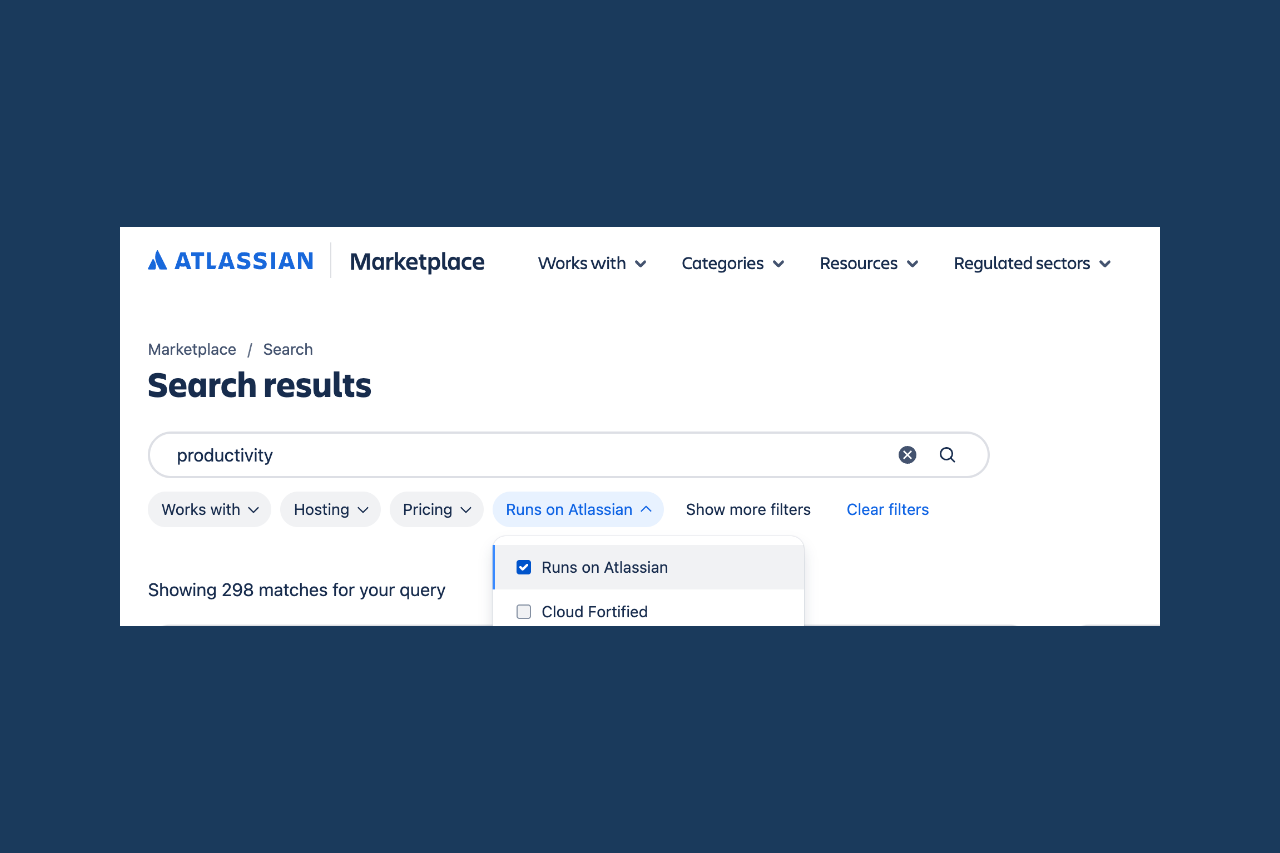
The “Runs on Atlassian” badge for apps on the Atlassian Marketplace sends a clear signal to enterprise customers: an app carrying this seal of approval processes its application data exclusively within Atlassian’s infrastructure. (The only exception is narrowly defined egress for analytics purposes, as long as no in-scope end-user data is transferred.) That often significantly simplifies security reviews.
Many existing Forge apps, however, don’t meet the criteria for “Runs on Atlassian.” That’s not always down to architectural necessity – sometimes it’s just historically grown dependencies. This guide shows how to make an existing app badge-eligible, step by step.
Starting Point: Why Apps Miss the Criteria
In practice, there are three recurring reasons an app doesn’t qualify for the badge.
External API calls. A FaaS function or a Custom UI resolver calls a third-party service via fetch or axios.
Analytics tracking with personal data. A tracking script sends user data to an external analytics provider.
Customer-managed egress and remotes. This is a fairly new feature, currently in Preview, that lets customers configure their own external destinations. Important to know: as things stand, apps using customer-managed egress are not eligible for “Runs on Atlassian.”
Step 1: Take Stock
The starting point is the Forge CLI’s forge eligibility command. It checks the deployed version of your app against the current criteria and gives clear feedback on whether the app qualifies – and if not, which parts of the manifest are responsible.
It’s also worth taking a manual look at the external section of manifest.yml. Every entry under external.fetch.backend or external.fetch.client is a potential blocker that needs individual evaluation.
Beyond classic egress permissions, also check remotes, Connect modules, dynamic web triggers, and configured providers, since these can affect eligibility too.
Step 2: Categorize Dependencies
Not every external connection deserves the same treatment. It helps to sort the entries you find into two groups.
Core functionality. The app deliberately integrates an external service – a third-party API, say, that forms a central part of the product. Here, data egress is part of the product’s value proposition.
Incidental dependencies. This covers things like analytics, error tracking, images from an external CDN, or similar functions that can usually be solved differently without touching the app’s core.
This distinction determines whether a migration makes sense in the first place.
Step 3: Eliminate Egress, Deliberately
For the second group – the incidental dependencies – you have several strategic options.
Analytics without in-scope end-user data. Egress for analytics purposes is explicitly exempt from the badge requirements, as long as no in-scope end-user data is transmitted. Often, cleaning up the payload you send is enough – you don’t need to remove tracking altogether.
External integrations via router.navigate() instead of server-side fetch. A pattern that’s become common in the community: instead of calling an external API from within a FaaS function, you actively redirect the user to the external site using the router API from @forge/bridge. Forge automatically shows a security notice that the user is leaving the Atlassian environment. The key point: this kind of redirect doesn’t need an egress declaration in the manifest, because the data flow isn’t triggered by the app itself, but by a deliberate user action. This pattern only works for use cases where the interaction can genuinely be user-initiated, though – it’s not a general substitute for real server-side integrations.
Forge-native alternatives instead of your own infrastructure. If external services are only used for data storage, the Forge Storage API can often do the same job, without the data ever leaving the Atlassian Cloud.
Step 4: The Good News About Removal
Counter to what you might expect, removal itself is the easiest part of the migration: according to Atlassian’s official “Runs on Atlassian” FAQ, simply removing egress permissions counts as a minor update. A major update – and the customer re-approval that comes with it – is only triggered when a new URL is added, or an existing URL is moved to a new egress category, not by plain removal.
There’s one exception: removing a URL from the providers section of the manifest still counts as a major update. Anyone planning a migration needs to check specifically whether the entries to be removed live there. The usual case – plain external.fetch entries – can be rolled out without triggering a new approval process.
That takes a lot of pressure off the planning: in many cases, the migration can quietly ride along with your next regular release, without existing customers needing to do anything.
Step 5: Verify and Iterate
After cleanup, run through it again: forge deploy, then forge eligibility once more. Only once the command confirms compliance for the relevant environment is it worth checking the Marketplace listing. The badge is granted automatically, with no separate application, as soon as the criteria are technically met.
Conclusion: Not Every App Should – or Can – Be Migrated
The migration pays off especially when an app’s external dependencies are more historical baggage than functional necessity. It looks different, of course, when a genuine third-party integration is core to the product – an app that deliberately syncs with an external system, for example.
In that case, forgoing the badge is a deliberate product decision, and just as legitimate as migrating. The “Runs on Atlassian” badge is a tool for positioning – and particularly for enterprise customers, a genuine differentiator – but it isn’t an end in itself.
Planning a migration to “Runs on Atlassian,” or want a second opinion on your app’s architecture first? If your team wants to run the eligibility check and cleanup yourselves, our Forge Developer Trainings cover exactly that. Would you rather have it done for you? Our Atlassian development team is here to help.